Installing Touchline Menu
A menu theme for Football Life 2026 · version 1.1.6
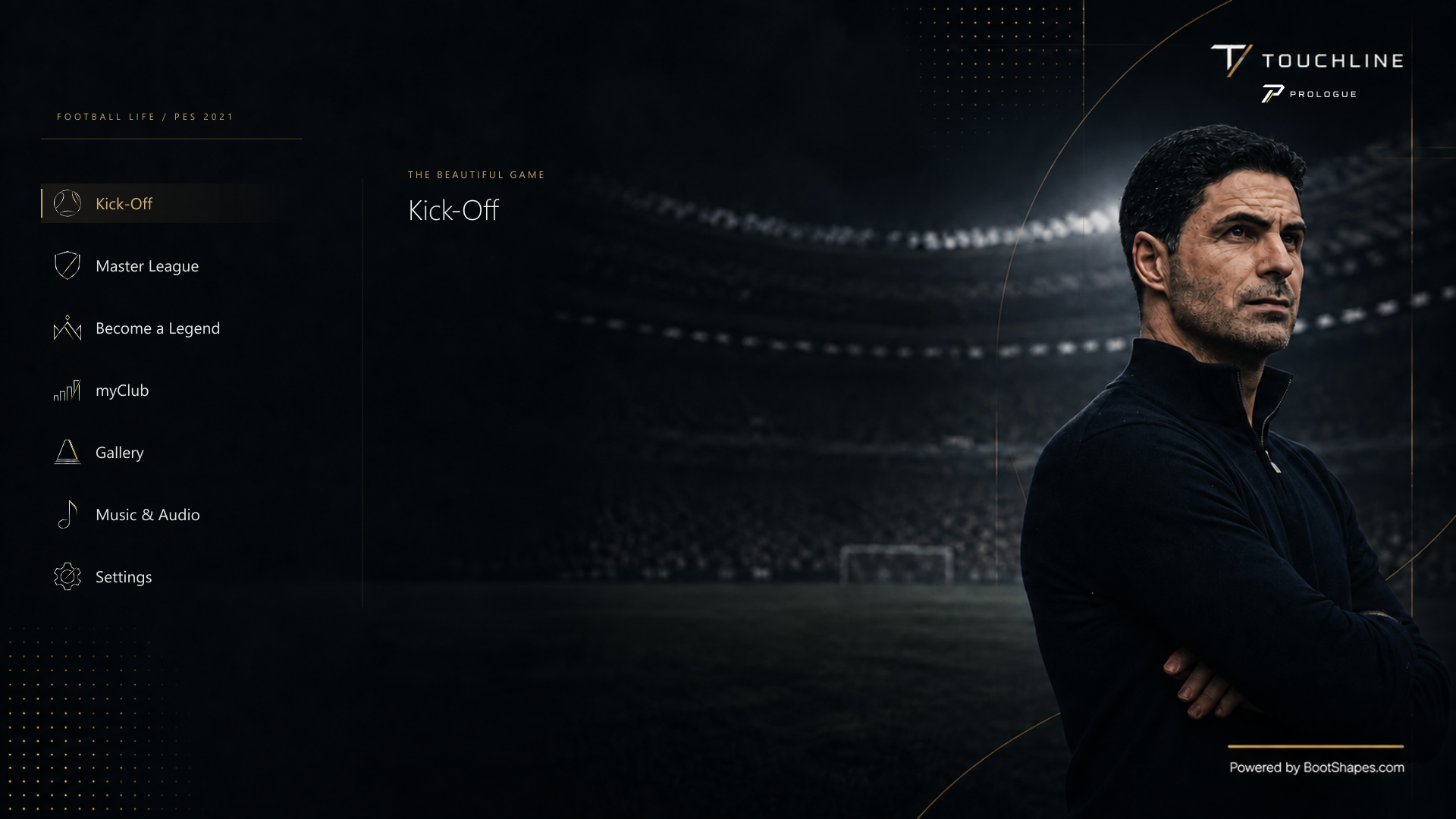
Touchline Menu is a standalone charcoal, silver and champagne menu theme for SP Football Life 2026, with Touchline and Prologue branding, portrait main-menu scenes, quiet information screens and the Touchline intro movie. It changes how the game’s menus look. It does not install Touchline or Prologue, and it does not need them.
1. Before you start
Check you have all of these:
- SP Football Life 2026, installed and working.
- Sider, with LiveCPK and Lua enabled.
- The game set to English. The theme includes its own English text file.
- A Windows PC.
Everything the theme needs, including its fonts, secondary menu assets and colour script, is in the download. You do not need a separate menu pack or UIColors.
2. Install the theme
Close Football Life and Sider
The installer changes files that Sider reads when it starts.
Unzip the download
Find Touchline-Menu-v1.1.6.zip, right-click it, choose
Extract All…, then Extract. Extract it completely;
do not run anything from inside the zip.
Run Install.cmd
Double-click Install.cmd in the extracted folder. When it asks, enter the full
path to your SiderAddons folder: the folder that contains sider.ini.
Administrator rights are not normally needed, as long as you can write to that folder.
Start Sider and Football Life again
The new menus appear the next time the game starts through Sider.
Prefer PowerShell?
From the extracted folder, run this, replacing the example path with your own SiderAddons folder:
powershell.exe -NoProfile -ExecutionPolicy Bypass -File .\Install.ps1 -SiderDir 'D:\Football Life\SiderAddons'
3. What the installer changes
- It checks every file in the package before installing anything.
- It backs up every file and setting it changes.
- It turns on one LiveCPK folder,
TouchlinePrologue2, and one colour script,TouchlineMenuColors.lua. The script’s palette is kept in its owncontent\touchline-menufolder. - If you are upgrading, it switches off older MenuC1987, UIColors and TouchlinePrologue entries so nothing loads twice. Their files stay on disk, and uninstalling switches them back on.
- It removes an obsolete development file,
teamPower.bin, only if it exactly matches a known development copy. An edited copy is left alone for you to decide.
Your other Sider settings, mods and saves are left as they are.
4. Restore your previous setup
Each installation prints the folder it backed up to, under
SiderAddons\TouchlineMenu-backups. To undo it, close the game and Sider, then run
this from the extracted folder, using your own paths:
powershell.exe -NoProfile -ExecutionPolicy Bypass -File .\Uninstall.ps1 -SiderDir 'D:\Football Life\SiderAddons' -BackupDirectory 'D:\Football Life\SiderAddons\TouchlineMenu-backups\YOUR-BACKUP-FOLDER'This puts back every file and setting the installation replaced and removes the files it added. If you have changed a file since installing, it stops rather than overwrite your edit. Keep the extracted folder and the backup until you are sure you will not need to restore.
5. If something goes wrong
Nothing looks different
Restart both Sider and the game. Check that TouchlinePrologue2 and
TouchlineMenuColors.lua are enabled in Sider, with LiveCPK and Lua turned on.
The Schedule or a text-entry screen is blank
Use this complete release rather than an older development zip. If another mod overrides the same files, check the LiveCPK order. If it persists, report your game version and active menu mods with a screenshot.
Icons look different during a licensed competition
The Game Plan icons are made for the default menu. Some competitions bring their own menu layouts and icons.
Another menu mod stopped working, or overrides this one
Menu mods can replace the same files and colours, so use one default menu theme at a time.
The intro movie
The theme replaces movie/intro/FL2026.usm. Competition-specific intro movies
stay under the control of your existing setup.
6. Credits
- MenuC1987: the underlying menu work, fonts and secondary assets included in this package. No separate installation is needed.
- Zlac: UIColors 1.1, bundled as
TouchlineMenuColors.lua. Research credits: SoulBallZ, milos987, jovic1901, afandix and hyun93222. - SP Football Life / SmokePatch: the game installation the theme was built and tested on.
- Konami / PES: the underlying game formats and interface assets.
Game assets, club and competition marks and third-party components keep their own ownership
and terms. This is not an official Konami or SmokePatch release. The full credits are in
CREDITS.md in the download; please keep them when sharing.